
ECUHELP KT200II ECU Programmer has been tested and confirmed to read, write, and correct checksum (CKS) for Bosch EDC17CP15 ECU in Bench mode.
To perform the operation, prepare the following:
KT200II ECU Programmer
The Multifunction cable
Bench Box V2
Connect the KT200II multifunction cable to the EDC17CP15 ECU according to the wiring diagram below:
Multifunction cable connection:
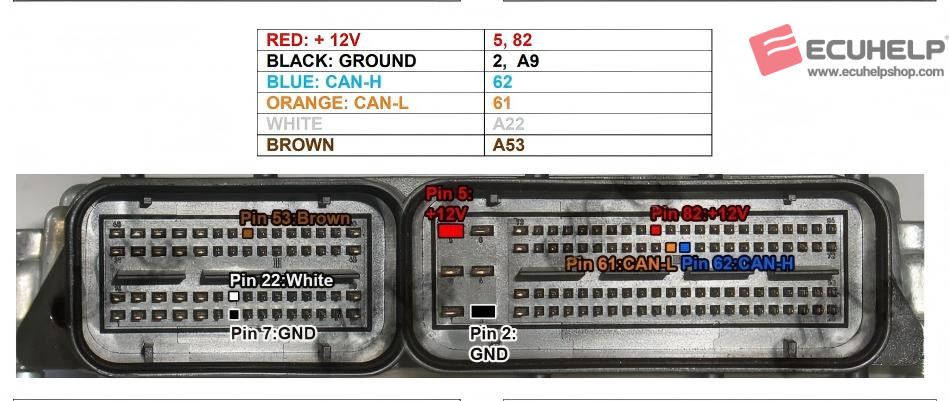
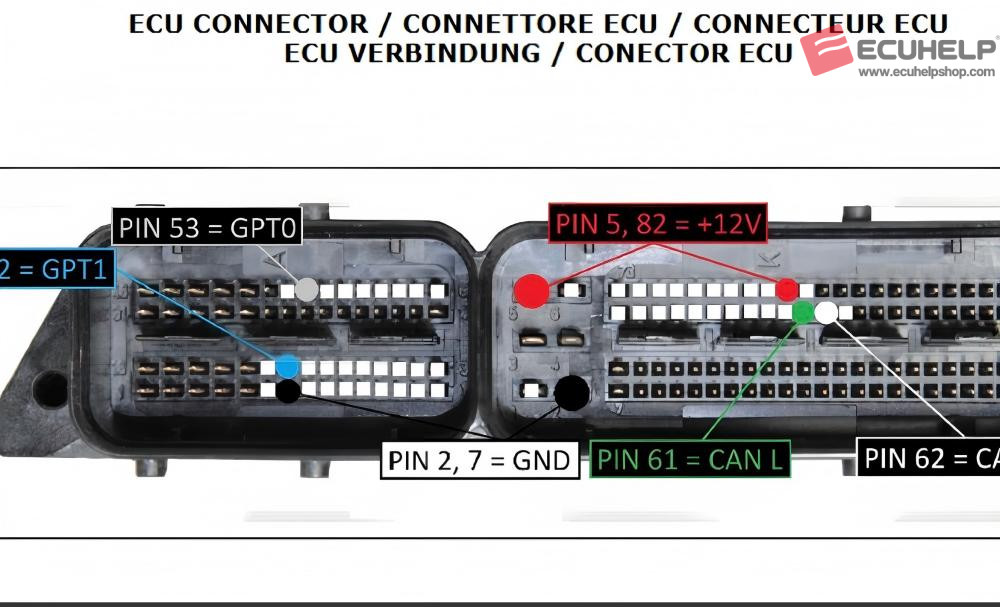
If needed, you can also refer to the following detailed wiring reference:
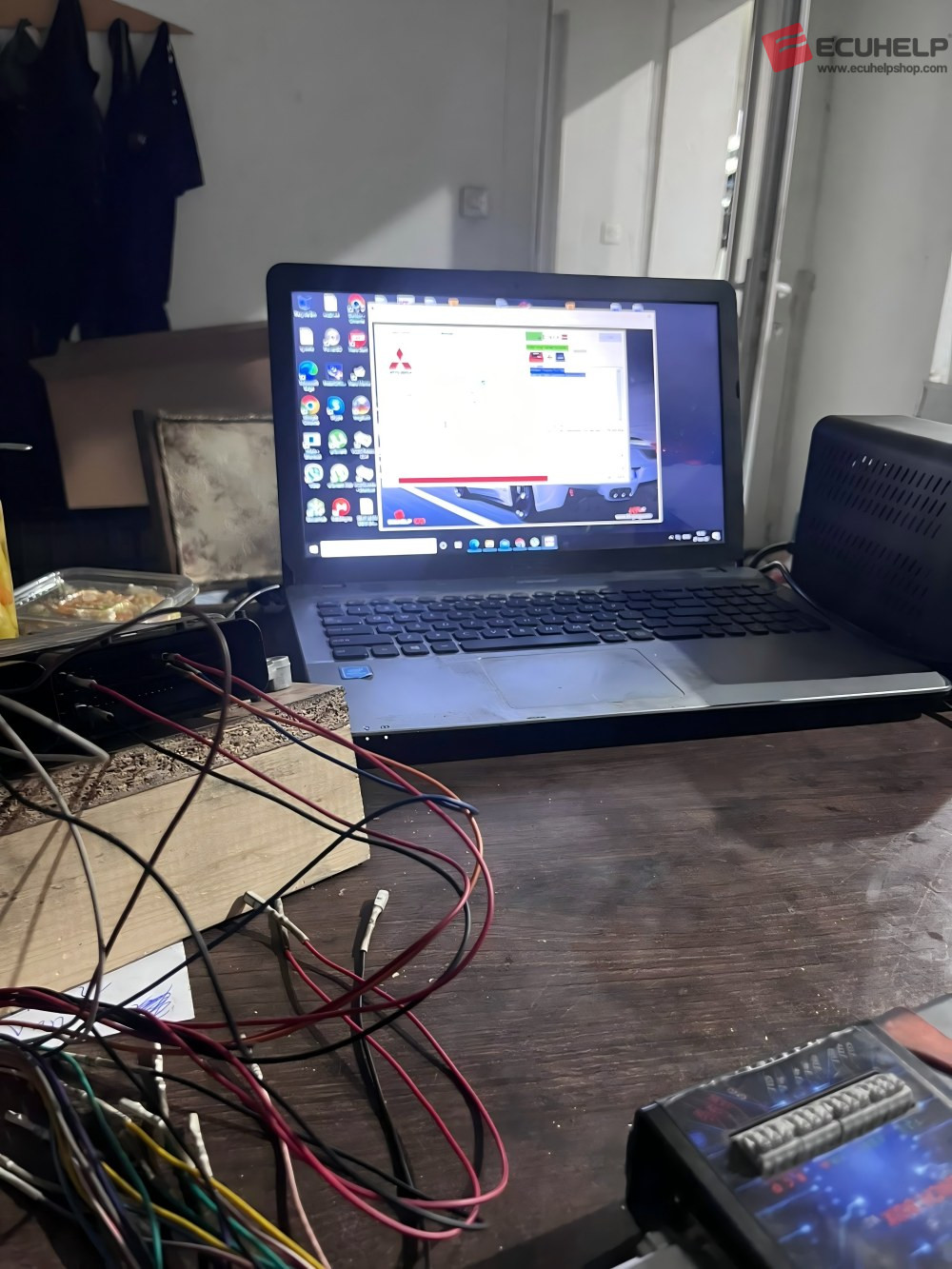
In the KT200II software, select the driver as follows:
→ BENCH MODE
→ MITSUBISHI
→ TC1796 – MITSUBISHI
→ EDC17 CP15
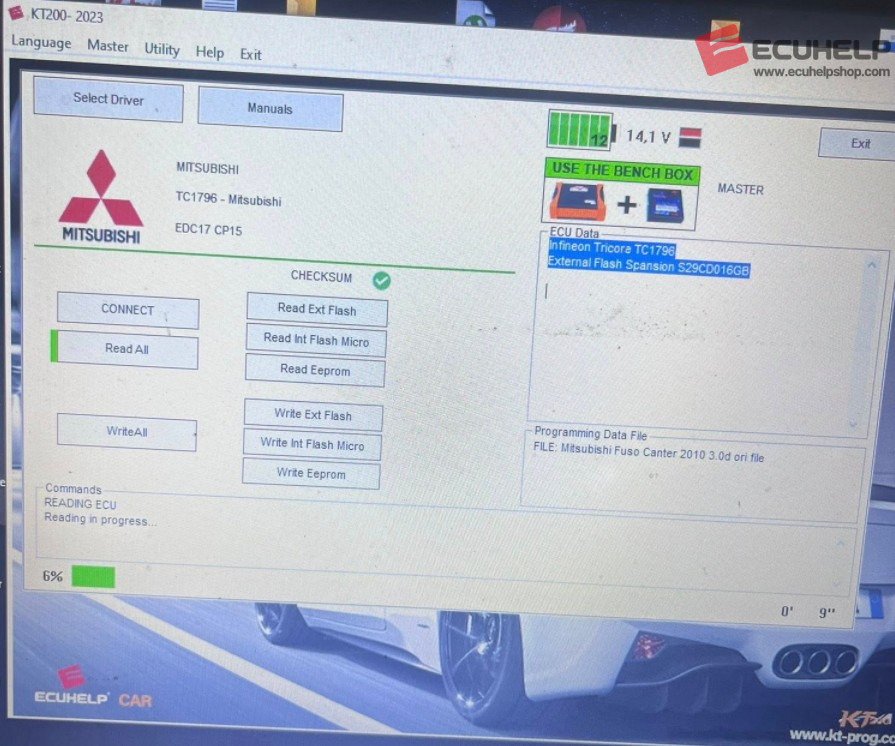
Once selected, you can proceed with reading or writing the ECU safely on the bench.
Conclusion:
ECUHELP KT200II provides a stable and reliable solution for bench read/write and checksum correction on EDC17CP15, making it suitable for professional ECU tuning and repair work.